
This document is an instruction manual for Olympus digital cameras, providing information on how to use the camera, shooting and playing back images, as well as menu settings.
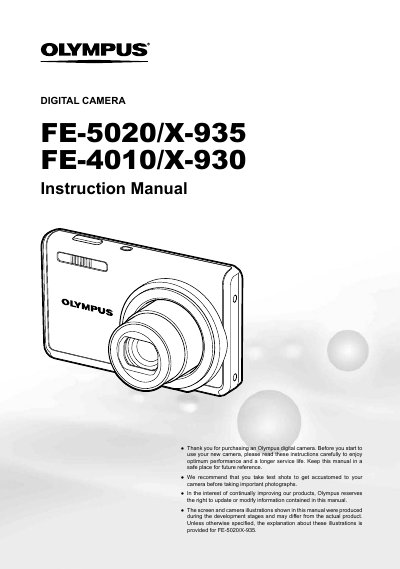
This document is the official user guide for Olympus digital camera models FE-5020/X-935 and FE-4010/X-930. It provides step-by-step instructions on preparing the camera, using various buttons such as the shutter, zoom, and flash controls, and navigating through different shooting modes including still images and movies.
The manual details how to access and adjust settings via the MENU button and FUNC menu, covering topics like image quality, white balance (WB), ISO sensitivity, and exposure compensation. It also explains playback features such as slideshow, editing, resizing, cropping, and printing options using PictBridge or DPOF.
The contents include a Lithium ion Battery, Battery Charger, Digital Camera, USB cable, AV cable, and microSD Attachment.
Press the MENU button to select desired menus and use the navigation buttons to adjust functions.
Detailed instructions for menu settings are found on pages 23 to 34 of this manual.