
OLYMPUS DIGITAL CAMERA FE-5010/X-915 FE-5000/X-905 Instruction Manual(1)(1)

This is the manual of Olympus FE-5010/X-915 digital camera. It introduces the functions, usage and printing of the camera.
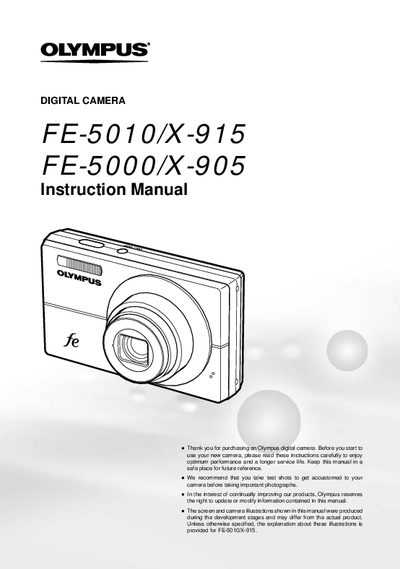

OLYMPUS DIGITAL CAMERA FE-5010/X-915 FE-5000/X-905 Instruction Manual(1)(1) - cover page
Brand
Olympus
Category
Digital cameras
Document type
User Manual
Language
English
Pages
59
File format
PDF
File size
1.7 MB
Published
08 June, 2012
Updated
01 October, 2023
MD5 checksum
B55B085DD2614C34B43F6D55CC14AB50

About this manual

This document is the official user guide for the Olympus FE-5070/X-975 and FE-5000/X-905 digital cameras. It provides instructions on preparing the camera, including checking box contents and installing batteries. The manual details how to use various setting operations via the MENU button and arrow pad, as well as direct buttons for frequently used functions like zoom and flash.

What's inside

  • Preparining the Camera
  • Three Types of Setting Operations
  • Frequently used shooting functions
  • Menu Index
  • Names of Parts
  • Shooting mode display
  • Shootindg and Playing Back Imades
  • Printing
  • Menus for Playback Functions

Frequently asked questions

What is included in the box?

The box contains a digital camera, USB cable, AV cable, battery charger (LF41C), and a CD-ROM.

How do I access the menu settings?

Press the MENU button to access various camera settings, including shooting functions and date/time display.

How do I change information display or view the menu guide?

Press the DISP/9 button to change the information display or access the menu guide.

Download PDF (1.7 MB)

More Olympus Manuals


View all Olympus manuals →