
This is an instruction manual for Olympus FE-5010/X-915 digital camera, which introduces the camera's basic functions, usage methods and precautions.
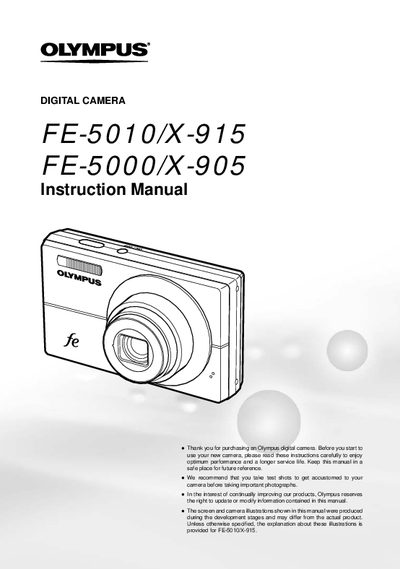
This document is the official user guide for the Olympus FE-5010/X-915 and FE-5000/X-905 digital camera series. It provides comprehensive instructions on preparing the camera, including checking box contents and installing batteries. The manual details how to operate various shooting modes, adjust menu settings such as image quality and white balance, and utilize direct control buttons for frequently used functions like flash and zoom.
The package includes a digital camera, USB cable, AV cable, Liium lon Battery (LF42B), Battery Charger (LF41C), microSD Attachment, CD-ROM, Instruction Manual, and Warranty Card.
Press the MENU button to access various camera settings, including functions used during shooting and playback, as well as date/time and screen display options.
The tripod socket is a specific part of the camera body, listed in the names of parts section.