
Olympus FE-4000/X-925/X-920 Digital Camera Instruction Manual

This document provides instructions for using an Olympus digital camera called FE-4000/X-925/X-920. By reading this document, you can learn about the features and characteristics of this camera, as well as how to use it and important considerations.
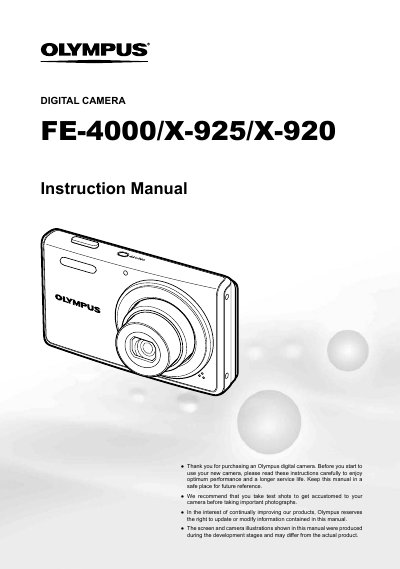

Olympus FE-4000/X-925/X-920 Digital Camera Instruction Manual - cover page
Brand
Olympus
Category
Digital cameras
Document type
User Manual
Language
English
Pages
62
File format
PDF
File size
1.5 MB
Published
08 June, 2012
Updated
28 September, 2023
MD5 checksum
5B44B42A4E39FFCFB17E7E9AB99DBD9E

About this manual

The document is an instruction manual for the Olympus FE-4000, X-925, and X-920 digital cameras. It details how to prepare the camera by checking box contents such as the L-41C Battery Charger and USB cable. The guide explains three types of setting operations using the MENU button and arrow pad, including accessing submenus for shooting and playback functions.

What's inside

  • Check the Contents
  • Three Types of Setting Operations
  • Shooting Mode Display
  • Playback Menu
  • Menu Index
  • Names of Parts
  • Turning on the Camera
  • Using the Menu

Frequently asked questions

What should I do before taking important photographs?

You should take test shots to get accustomed to the camera.

Where can I find information about menu settings?

Information is located on pages 24 through 33 of this manual.

Download PDF (1.5 MB)

More Olympus Manuals


View all Olympus manuals →