
This is a manual for Olympus FE-5020/X-935 digital camera
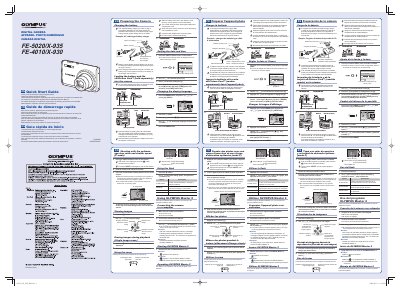
This document serves as a quick start guide for Olympus FE-5020/X-935 and FE-4010/X-930 digital cameras. It provides essential instructions in English, French, and Spanish regarding the initial setup of the device.
Key procedures include charging the included lithium-ion battery using the provided charger, loading the battery and xD-Picture Card into the camera compartment, and setting the date and time. The guide also explains how to change the display language.
| Optical Zoom (FE-5020/X-935) | 5x |
|---|---|
| Optical Zoom (FE-4010/X-930) | 4x |
| Digital Zoom | 4x |
It takes up to 2 hours to fully charge the battery from a partially charged state.
If the charging indicator does not light or it blinks, the battery may not be inserted correctly or the battery or charger may be broken.
If P mode is not displayed, press the (Cy) button several times to select it.