
Olympus FE-3010/X-895/FE-3000/X-890 Digital Camera Basic Manual

This is a basic manual of Olympus digital camera FE-3010/X-895 FE-3000/X-890, introducing the functions and characteristics of the camera.
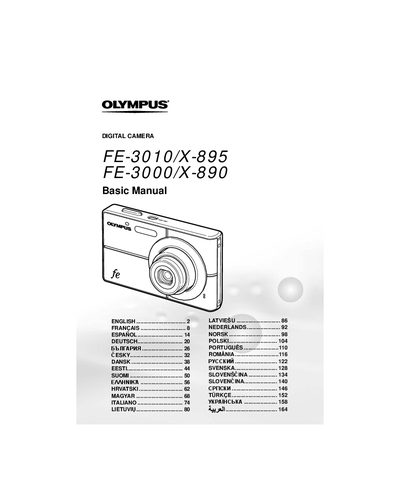

Olympus FE-3010/X-895/FE-3000/X-890 Digital Camera Basic Manual - cover page
Brand
Olympus
Category
Digital cameras
Document type
User Manual
Language
English
Pages
172
File format
PDF
File size
5.8 MB
Published
08 June, 2012
Updated
01 October, 2023
MD5 checksum
ACF4CA1E64C5E93541D152464F2DF6C0

About this manual

This manual provides basic instructions for the Olympus FE-3010/X-895 and FE-3000/X-890 digital cameras. It covers essential procedures such as preparing the camera by inserting batteries and memory cards, setting the date and time, and changing display languages.

What's inside

  • Preparing the Camera
  • Charging the battery
  • Loading the battery and xD-Picture Card
  • Setting the date and time
  • Changing the display language
  • Shooting with P mode
  • Using Shooting Modes (SCN, iAUTO)
  • Using the zoom and flash
  • Adjusting brightness (Exposure compensation)
  • Viewing images and Erasing

Specifications

Optical Zoom3x
Digital Zoom4x

Frequently asked questions

How long does it take to charge the battery?

It takes approximately 2 hours to fully charge the battery until the charging indicator goes off.

What memory cards are compatible with this camera?

The camera accepts xD-Picture Cards or a microSD Attachment (sold separately).

How do I switch between shooting modes?

Press the button several times to cycle through P, iALTO, #0), SCN, and @ modes.

Download PDF (5.8 MB)

More Olympus Manuals


View all Olympus manuals →