
This document describes how to install the high pressure sampling system, including the preparation of tools, tool usage instructions and installation steps
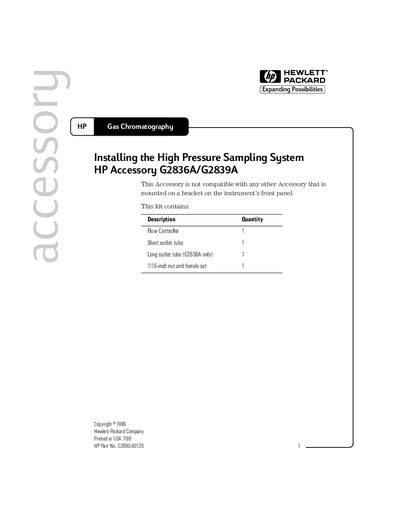
The document details the contents of the HP High Pressure Sampling System kit, which includes a flow controller, outlet tubes, and nut/ferrule sets. It specifies that this accessory is not compatible with other accessories mounted on the instrument's front panel bracket.
The guide provides step-by-step instructions for installing the sampling system onto Gas Chromatography (GC) instruments. Key steps include turning off the instrument, removing existing fittings, loosely installing ferrules, inserting outlet tubes into the flow controller, and snapping the mounting bracket onto the GC frame to align with the inlet fitting.
You need a 5/16-inch wrench and a 7/16-inch wrench.
The sample inlet fitting may reach 90 °C.