
This document introduces the Membrane Filter System, an accessory for HP Gas Chromatography produced by Hewlett-Packard Company. The system includes components such as Genie filter assembly, Replacement membrane filters, and various connecting fittings. The document provides installation steps and required tools for the accessory.
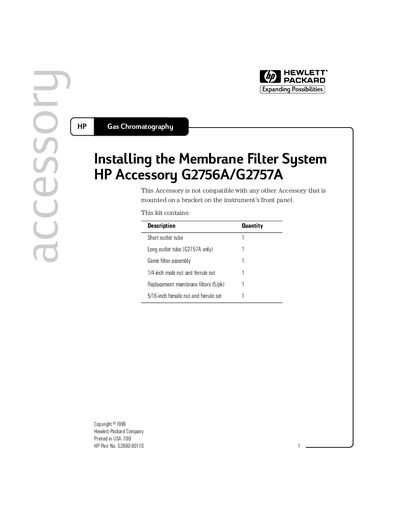
The document details the contents of the HP Membrane Filter System kit, which includes outlet tubes, a Genie filter assembly, and replacement membrane filters. It specifies that this accessory is not compatible with other accessories mounted on brackets on the instrument's front panel.
The guide provides step-by-step instructions for installing the system on Gas Chromatography (GC) instruments. Key steps include turning off the instrument, removing existing fittings, installing nut and ferrule sets onto the sample inlet and outlet tubes, mounting the bracket to the GC frame, and connecting the sample line and vent tubing.
The sample inlet fitting may reach a temperature of 90°C.
You must use the longer outlet tube on portable models.