
This document describes how to use software utilities to reset the random access memory (RAM) of the Agilent G2890/G2891 Micro Gas Chromatograph
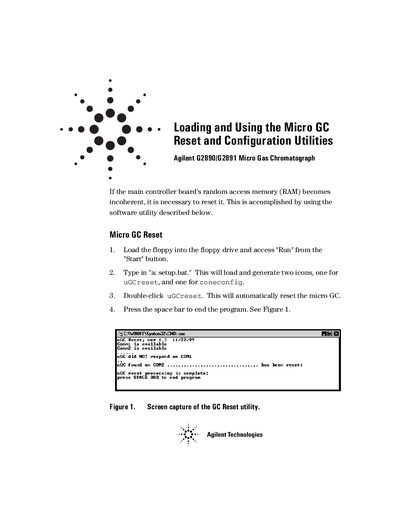
The document provides instructions for resetting the main controller board's random access memory (RAM) if it becomes incoherent. This process involves loading a specific utility from a floppy disk to generate icons for 'uGCreset' and 'zoneconfig'.
After resetting, users must reestablish the instrument configuration by accessing GCSetup. The guide details how to restore original settings and configure the board for heated inlet zones using the zoneconfig utility.
Load the floppy drive, run 'setup.bat', and double-click the uGCreset icon to automatically reset the micro GC.
Access GCSetup, enter 'Yes' when asked to restore the original configuration, and click Exit.
It configures the board for heated inlet zones by turning off all heated zones to measure resistance values.