
Agilent GS-OxyPLOT Column Installation Conditioning Guide

This guide provides instructions on how to install and condition the Agilent GS-OxyPLOT column.
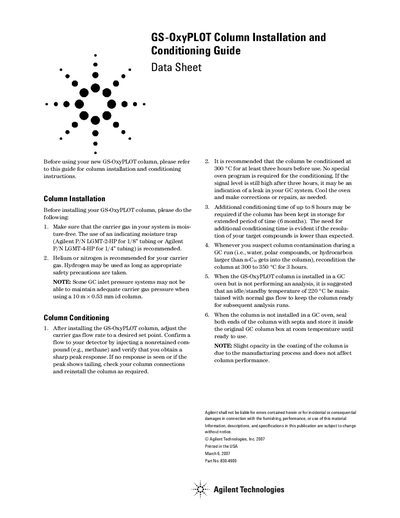

Agilent GS-OxyPLOT Column Installation Conditioning Guide - cover page
Brand
Agilent
Document type
Installation Guide
Language
English
Pages
1
File format
PDF
File size
39 KB
Published
07 June, 2012
Updated
30 September, 2023
MD5 checksum
BAD057121F03664D5B8945E64009E265

About this manual

This guide provides step-by-step instructions for installing and conditioning the Agilent GS-OxyPLOT column before use. It covers carrier gas requirements, column connection checks, and recommended conditioning temperatures and durations. The guide also includes storage and standby recommendations to maintain column performance.

What's inside

  • Column Installation
  • Column Conditioning
  • Carrier Gas Requirements
  • Storage and Standby Temperature
  • Column Contamination Reconditioning

Frequently asked questions

What carrier gas is recommended for the GS-OxyPLOT column?

Helium or nitrogen is recommended. Hydrogen may be used with appropriate safety precautions.

What is the recommended conditioning temperature and duration?

Condition the column at 300 °C for at least three hours before use.

How should the column be stored when not in use?

Seal both ends of the column with septa and store it inside the original GC column box at room temperature.

Download PDF (39 KB)

More Agilent Manuals


View all Agilent manuals →