
Describes how to install PTV inlets for the Agilent 6850 Series II Network GC System. Includes instructions for installing both septumless and septum PTV inlets, as well as a list of required tools and parts.
This document provides step-by-step instructions for installing PTV inlets (G3345B and G3346B) on Agilent 6850 Series II Network GC systems. It covers preparation, removal of existing inlets, installation of new inlets, and restoration of the instrument. Safety precautions are emphasized, including handling cryogenic fluids and disconnecting power before work.
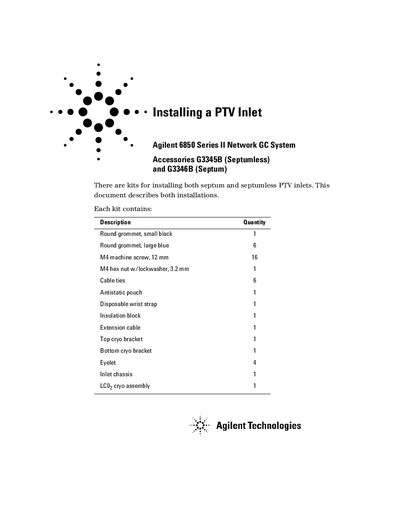
The kit includes components like grommets, screws, cable ties, and the inlet assembly. Required tools include a T-20 Torx screwdriver and open-end wrenches. The guide details procedures for different inlet types and includes warnings about electrostatic discharge and hazardous materials.
The septumless kit is G3345B and the septum kit is G3346B.
A TT-20 Torx® screwdriver and a 7/16-inch open end wrench are required.
Turn off the GC and unplug the power cord. Allow time for all heated zones to cool.
The gas fitting on the rear of the flow module must be disconnected.