
This document is a user manual for Agilent G3437A Side-Mounted Thermal Conductivity Detector. It introduces the features, functions and installation methods of the product.
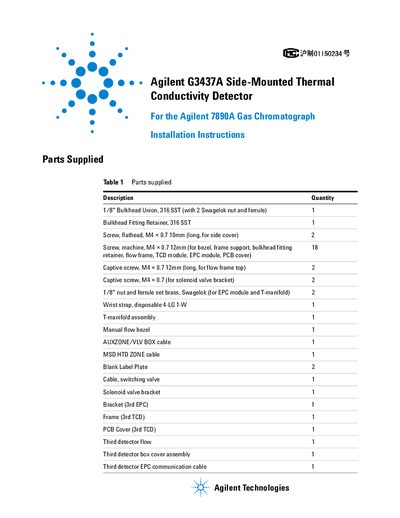
This guide provides step-by-step instructions for installing the Agilent G3437A Side-Mounted Thermal Conductivity Detector as a third detector on the Agilent 7890A Gas Chromatograph. It covers preparation, component assembly, cable routing, and final configuration. Safety precautions are included, such as turning off the instrument and using an electrostatic wrist strap. The guide also details how to connect the MSD heated zone cable and configure the GC’s auxiliary detector settings after installation.
Press [Configure] then [Aux Det #], select the Aux Detector, press [Enter], then press [Mode/Type] and scroll to select Aux 1 or Aux 2 based on the MSD heated zone cable position.
It is a side-mounted thermal conductivity detector for use as a third detector on the Agilent 7890A Gas Chromatograph.
Three M4 x 12 mm screws are required to attach the manual flow bezel.