
This document introduces the use instructions for the Varian Micro-GC upgrade kit Heated rear to unheated front sample inlet
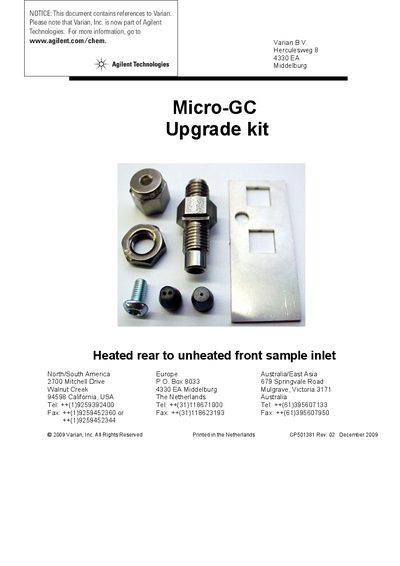
This document provides instructions for installing an upgrade kit (CP740827) on Agilent Technologies Micro-GC systems. The kit facilitates the replacement of a heated rear sample inlet with an unheated front sample inlet configuration.
The installation process involves mounting a new bracket and connector, removing the existing GC-channel following specific channel exchange procedures, cutting the sample line to remove old ferrules, and reconnecting the tubing through the new dual-hole ferrule.
It upgrades the sample inlet from a heated rear position to an unheated front position.
The kit includes a bracket, nuts, screws, ferrules, and an unheated sample inlet connector.
You must cut the sample line to remove the ferrule and then use an ultimetal column cutter to provide a completely open tube.