
Agilent Star Chromatography Workstation V6 StarFinder Upgrade Release Notes

This document introduces the information about StarFinder upgrade version 6, including upgrade installation instructions and operating differences.
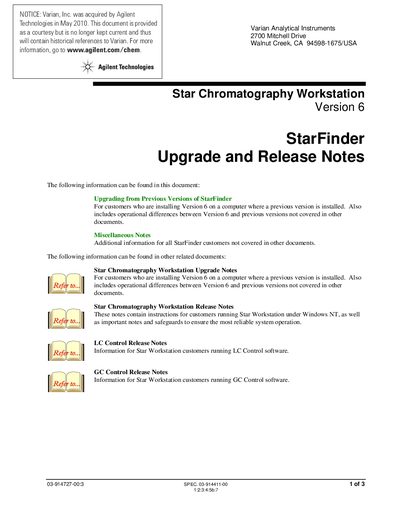

Agilent Star Chromatography Workstation V6 StarFinder Upgrade Release Notes - cover page
Brand
Agilent
Document type
Other
Language
English
Pages
3
File format
PDF
File size
48 KB
Published
07 June, 2012
Updated
01 October, 2023
MD5 checksum
B0C7142CC3B6BF4A035950BF68253ABD

About this manual

This document provides upgrade and release information for the Agilent Star Chromatography Workstation Version 6 StarFinder software. It details procedures for upgrading from previous versions, including options for handling existing databases during installation.

The guide also covers miscellaneous notes regarding network configurations for shared database access and instructions on updating the display after adding new data files.

What's inside

  • Upgrading from Previous Versions
  • Database Installation
  • Database Changes
  • Accessing one database from multiple Workstations
  • Updating the StarFinder display
  • Printing in StarFinder

Frequently asked questions

What happens to the database if I install Version 6 over a previous version without moving files?

The installation program leaves the old database intact, but any changes made in Version 5 will not be available.

How can multiple Workstations share a single StarFinder database on a network?

You must copy one StarFinder database file to the shared network location and link to it via the ODBC Microsoft Access 97 dialog.

When will Data Files added by automated injections appear in the StarFinder display?

They will not be detected until you explicitly repeat the search, even if 'Always Search After Modifying Database' is selected.

Download PDF (48 KB)

More Agilent Manuals


View all Agilent manuals →