
A quick start guide that describes how to install and use Agilent MassHunter Mass Profiler software
Agilent MassHunter Mass Profiler Software operates on compound data stored in .cef files produced by MassHunter Qualitative Analysis software. It allows users to investigate similarities and differences in features across multiple analyses, align and normalize features from different samples, and identify features using the MassHunter ID Browser program.
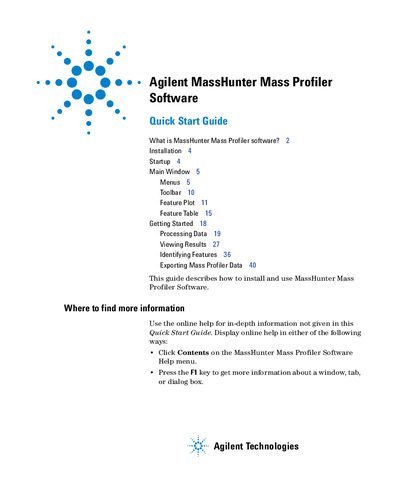
The guide covers installation steps for Windows 7 (64-bit), startup procedures, and navigation of the main window including Menus, Toolbar, Feature Plot, and Feature Table. It details how to create projects, apply methods, view results, and export data in various formats such as Excel (.xls) or Mass Profiler Professional input files.
| Compatible Operating System | Windows 7 (64-bit) |
|---|---|
| Required ID Browser Version | B.03.01 SP4 |
| Supported Input Format | .cef (compound exchange file) |
It lets you investigate similarities and differences in features across multiple analyses, align and normalize features from different samples, and identify features using the MassHunter ID Browser program.
The software operates on compound data stored in .cef (compound exchange file) format files.
You can search ChemIDplus, HMP, NIST, PubChem, and Web METLIN.