
This quick reference card describes how to turn on and off the VS Series helium mass spectrometer leak detector and how to verify the sensitivity of the sensor and perform calibration.
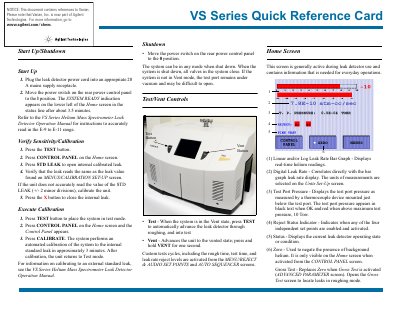
This document serves as a Quick Reference Card for the Philips VS Series Helium Mass Spectrometer Leak Detector. It provides concise instructions for starting up and shutting down the device, including specific steps to move the power switch and verify system readiness.
The guide details how to verify sensitivity using an internal standard leak and outlines the automated calibration process. It also explains the functions of the Test/Vent controls, the Home Screen indicators, and the Control Panel options for audio adjustment and holding vacuum.
The SYSTEM READY indication appears on the lower left of the Home screen in the status line after about 3.5 minutes.
The system performs an automated calibration to the internal standard leak in approximately 3 minutes.
If the system is not in Vent mode, the test port remains under vacuum and may be difficult to open.