
Casio XJ-H1600/XJ-H1650 Data Projector User's Guide

This is a data projector manual
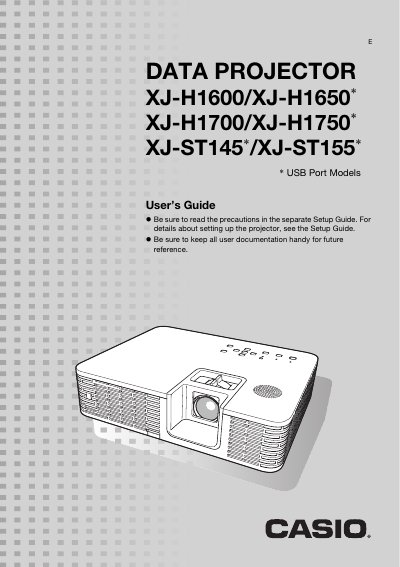

Casio XJ-H1600/XJ-H1650 Data Projector User's Guide - cover page
Brand
Casio
Category
Projector
Document type
User Manual
Language
English
Pages
64
File format
PDF
File size
1.3 MB
Published
06 June, 2012
Updated
01 October, 2023
MD5 checksum
A0006B9B4A0035BB9B777BCE1758B5FD

About this manual

This manual provides instructions for operating the Casio XJ-H series and ST series data projectors. It details how to use the remote controller and projector keys, select input sources such as HDMI and USB, and adjust image settings like brightness and aspect ratio.

The document also explains advanced configurations including Eco Mode, password protection, and network control via LAN or RS-232C. Additionally, it covers cleaning procedures for the lens and exterior, troubleshooting error indicators, and lists technical specifications.

What's inside

  • Projector Overview
  • Remote Controller and Projector Keys
  • Selecting the Input Source
  • Image Operations During Projection
  • Adjusting the Volume Level
  • Eco Mode (Power Saving)
  • Configuring Advanced Projector Settings
  • Password Protecting the Projector
  • Cleaning the Projector Exterior
  • Error Indicators and Warning Messages

Frequently asked questions

What is the brightness range of this projector?

The mercury-free hybrid light source delivers high luminance from 2500 to 4000 lumens.

What input sources does the projector support?

The device supports analog RGB, composite video, S-video, component video (Y-Cb-Cr, Y-Pb-Pr), and HDMI input sources.

What is the resolution of the DLP chip?

The projector uses a 0.7 inch DLP chip with XGA resolution of 1024 x 768 pixels.

Download PDF (1.3 MB)

More Casio Manuals


View all Casio manuals →