
Casio XJ-H1600/XJ-H1650 Data Projector Setup Guide

This is a user manual for a data projector, which introduces the features and usage of the product
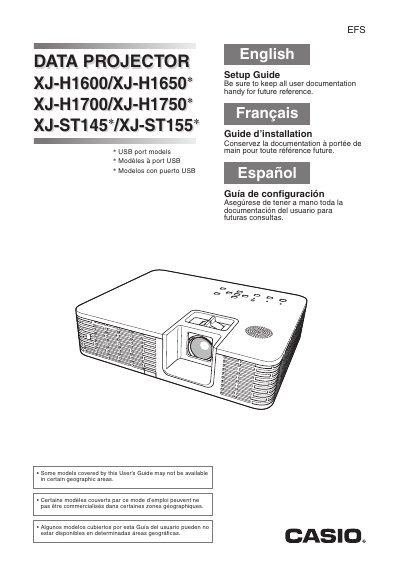

Casio XJ-H1600/XJ-H1650 Data Projector Setup Guide - cover page
Brand
Casio
Category
Projector
Document type
User Manual
Language
English
Pages
26
File format
PDF
File size
756 KB
Published
06 June, 2012
Updated
30 September, 2023
MD5 checksum
8D550280509663E698011A365BAD222F

About this manual

This document serves as a Setup Guide for the Casio XJ-H1600/XJ-H1650* series of data projectors. It covers essential safety precautions, including warnings about laser light sources, power cord usage, and ventilation requirements to prevent fire or electric shock hazards.

What's inside

  • Safety Precautions
  • Operating Precautions
  • About the Light Source Unit
  • Unpacking
  • Getting Ready
  • Setting Up the Projector
  • Connecting a Computer
  • Starting and Stopping Projection
  • Indicators
  • Troubleshooting

Frequently asked questions

What is the operating temperature range for this projector?

The operating temperature range is 5°C to 35°C (41°F to 95°F).

How much space should be left between the projector and walls?

You must allow at least 30cm (11.8 inches) between the projector and walls.

Can I use a power cord that came with another device?

No, you must not use the power cord that comes with the projector with any other device.

Download PDF (756 KB)

More Casio Manuals


View all Casio manuals →