
This manual describes how to use the CASIO DATA PROJECTOR XJ-A130V/XJ-A135V* XJ-A140V/XJ-A145V* XJ-A150V/XJ-A155V* XJ-A230V/XJ-A235V* XJ-A240V/XJ-A245V* XJ-A250V/XJ-A255V* USB port models.
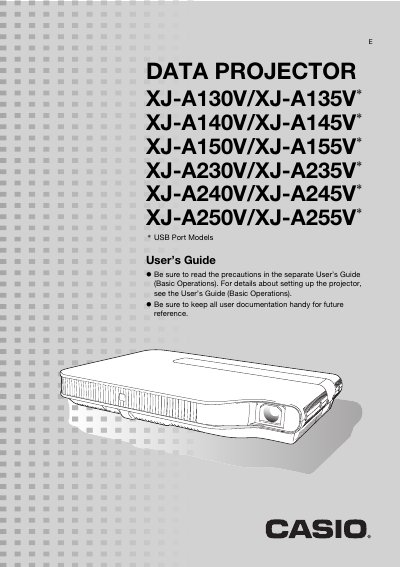
This manual provides instructions for the Casio XJ-A series data projectors, which utilize a laser and LED hybrid light source to deliver high brightness with low power consumption. The device supports various input sources including Computer RGB, composite video, component video, and HDMI video/audio.
The guide details how to operate the projector using the remote controller or unit keys, adjust image settings such as zoom and focus, and configure advanced options like Eco Mode and password protection. It also includes troubleshooting information for error indicators and instructions for cleaning the lens and vents.
| Light Source Type | Laser and LED hybrid light source |
|---|---|
| Brightness Range | 2,000 to 3,000 lumens |
| Zoom Capability | Wide angle 2X zoom |
| Supported Input Sources | Computer RGB, composite video, component video, HDMI |
These projectors provide high brightness ranging from 2,000 to 3,000 lumens.
You can configure the projector to turn on automatically and start projecting as soon as it is plugged into a power outlet.