
CASIO DATA PROJECTOR XJ-A241V/XJ-A246* UsersGuide

This user's guide introduces the functions and usage methods of the DATA PROJECTOR XJ-A141 / XJ-A146, XJ-A241 / XJ-A246, XJ-A251 / XJ-A256 and other data projectors
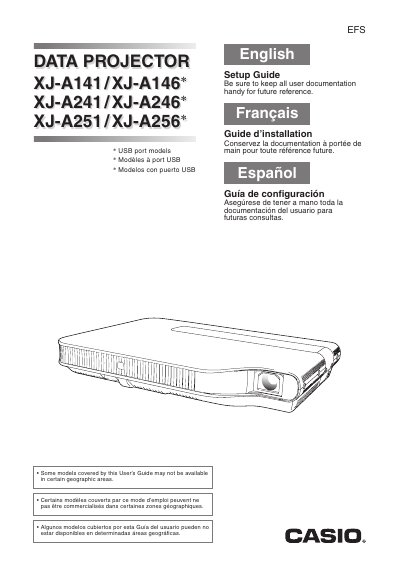

CASIO DATA PROJECTOR XJ-A241V/XJ-A246* UsersGuide  - cover page
Brand
Casio
Category
Projector
Document type
User Manual
Language
English
Pages
17
File format
PDF
File size
432 KB
Published
06 June, 2012
Updated
30 September, 2023
Model
XJ-A246
MD5 checksum
C1ED8E220D60CF470683C02B6BCF907B

About this manual

This document serves as a Setup Guide for Casio DATA PROJECTOR models including the XJ-A141, XJ-A146*, XJ-A241, XJ-A246*, XJ-A251, and XJ-A256*. It provides essential safety precautions regarding power cords, water exposure, and ventilation to ensure safe operation.

What's inside

  • Safety Precautions
  • Operating Precautions
  • General Guide
  • Unpacking
  • Power cord
  • Water and foreign matter
  • Disassembly and modification

Frequently asked questions

What is the operating temperature range for this projector?

The operating temperature range is 5°C to 35°C (41°F to 95°F).

How much space should be left between the projector and walls?

You must allow at least 30cm (11.8 inches) between the projector and walls.

Download PDF (432 KB)

More Casio Manuals


View all Casio manuals →