
CASIO DATA PROJECTOR XJ-A140V/XJ-A145V* UsersGuide

This manual explains how to use your data projector.
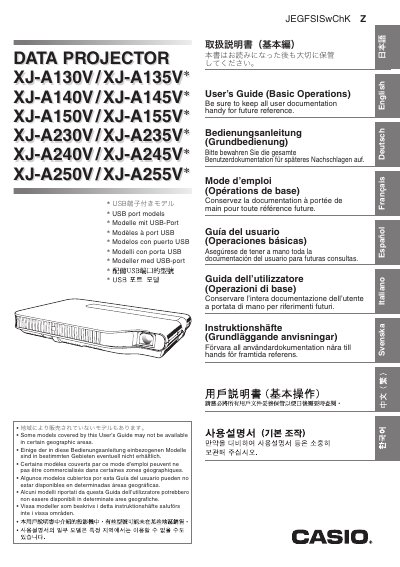

CASIO DATA PROJECTOR XJ-A140V/XJ-A145V* UsersGuide  - cover page
Brand
Casio
Category
Projector
Document type
User Manual
Language
English
Pages
38
File format
PDF
File size
2.9 MB
Published
06 June, 2012
Updated
30 September, 2023
MD5 checksum
E7C530E042CC548501687D7A5C4DA6E6

About this manual

This document serves as a User's Guide (Basic Operations) for various Casio Data Projector models. It provides instructions on unpacking, setting up the projector elevation angle, connecting computers and video devices, turning the unit on and off, and using the setup menu.

The guide also includes essential safety precautions regarding power cords, water, disassembly, and ventilation, as well as troubleshooting steps for malfunctions and indicators.

What's inside

  • Safety Precautions
  • Operating Precautions
  • Projector Basics
  • Selecting the Input Source
  • Adjusting the Projected Image
  • Keystone Correction
  • Using the Setup Menu
  • Unpacking
  • Connecting a Computer to the Projector
  • Troubleshooting

Frequently asked questions

What should I do if I notice smoke or an abnormal odor from the projector?

Immediately stop using the projector, unplug it, and contact your original dealer or authorized CASIO service center.

How much space is required between the projector and walls?

You must allow at least 30cm (11.8 inches) between the projector and walls to prevent internal heat buildup.

Can I modify or take apart the projector myself?

No, you must never try to take the projector apart or modify it as it contains high-voltage components that create a risk of electric shock.

Download PDF (2.9 MB)

More Casio Manuals


View all Casio manuals →