
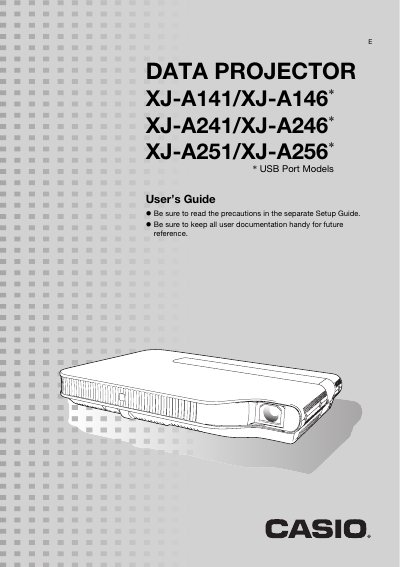
CASIO XJ-A141/XJ-A146* XJ-A241/XJ-A246* XJ-A251/XJ-A256* DATA PROJECTOR User's Guide


CASIO XJ-A141/XJ-A146* XJ-A241/XJ-A246* XJ-A251/XJ-A256* DATA PROJECTOR User's Guide - cover page
Brand
Casio
Category
Projector
Document type
User Manual
Language
English
Pages
56
File format
PDF
File size
992 KB
Published
06 June, 2012
Updated
29 September, 2023
MD5 checksum
EB5BAE19A3139F8B8D2EBF6ABD725267

About this manual

This manual provides instructions for the Casio XJ-A series of data projectors, which utilize a mercury-free hybrid light source combining laser and LED technology. The guide details how to connect various input sources including HDMI, Analog RGB, and USB devices, as well as how to use the remote controller and projector keys.

What's inside

  • About this Manual
  • Projector Overview
  • Remote Controller and Projector Keys
  • Setting Up the Projector
  • Connecting to an Image Output Device
  • Operation During Projection
  • Presentation Timer
  • Eco Mode
  • Configuring Advanced Projector Settings
  • Cleaning the Projector

Specifications

Brightness (ANSI Lumens)2500 or 3000
Projection SystemDLP
Light SourceLaser and LED
Resolution (XJ-A241/XJ-A256)WXGA (1280 x 800)

Frequently asked questions

Does the projector support wireless projection?

Yes, it supports wireless LAN for projecting computer screen contents and can connect to MobiShow software on smartphones.

What is the minimum projection distance for a 60-inch image?

The distance depends on the model; it is 1.4 meters for XJ-A241/XJ-A256 and 1.7 meters for XJ-A141.

Download PDF (992 KB)

More Casio Manuals


View all Casio manuals →