
This operation guide introduces the clock and alarm functions of the TQ-378 alarm clock.
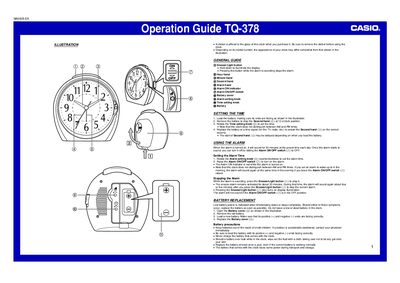
This document is an operation guide for the Casio TQ-378 clock. It provides instructions on initial setup, including removing the protective sticker from the glass and loading the battery to stop the second hand at the 12 o'clock position.
The guide details how to set the time using the Time setting knob, noting that the device does not distinguish between AM and PM. It also explains alarm settings via a dedicated knob and switch, as well as how to use the Snooze/Light button for illumination and stopping the alarm.
The alarm will sound for 30 minutes at the preset time.
The alarm will also sound again at the same time in the evening.
You should replace the battery at least once a year, even if it is working normally.