
This is the user manual for the CASIO EX-Z1050 camera. It mainly introduces the camera's functions and features and how to use it.
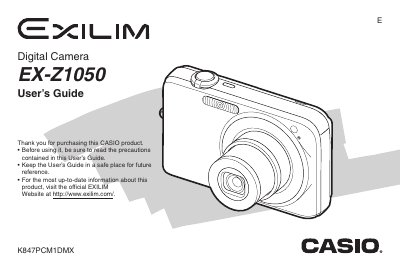
The Casio EX-Z1050 is a digital camera designed for capturing high-quality snapshots and movies. This User's Guide covers essential functions such as unpacking the device, charging the NP-40 rechargeable lithium ion battery, and configuring display settings. It details how to shoot photos with various modes like Auto Focus, Macro, and Fixed Focus, as well as recording movies with adjustable image quality.
| Battery Type | Rechargeable lithium ion battery (NP-40) |
|---|---|
| Charging Temperature | 5 to 35°C (41 to 95°F) |
| Battery Charger Output | 4.2V DC, 600 mA |
The camera requires a rechargeable lithium ion battery (NP-40).
It takes approximately 150 minutes to achieve a full charge.