
Casio EX-S600 Digital Camera User's Guide

This document is a user guide for the Casio Exilim EX-S600 digital camera. It describes the features of the product and provides precautions for use.
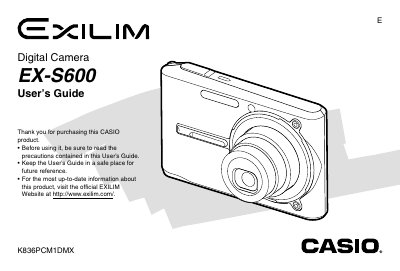

Casio EX-S600 Digital Camera User's Guide - cover page
Brand
Casio
Category
Digital cameras
Document type
User Manual
Language
English
Pages
245
File format
PDF
File size
3.9 MB
Published
06 June, 2012
Updated
28 September, 2023
Models
EX-S600, EX-S6
MD5 checksum
02D1BCF2E744FBAC228D3CB5D85482B2

About this manual

The Casio EX-S600 is a compact digital camera featuring optical and digital zoom capabilities, flash assist, and various scene modes such as Business Shot and Best Shot. The manual details how to record still images and movies, adjust settings like white balance and ISO sensitivity, and utilize features like continuous shutter mode and snapshot-in-movie.

What's inside

  • Introduction
  • Getting Ready
  • Basic Image Recording
  • Other Recording Functions
  • Playback
  • Deleting Files
  • File Management
  • Other Settings
  • Using a Memory Card
  • Printing Images

Frequently asked questions

What battery is required for the camera?

The camera uses a Rechargeable Lithium ion Battery (NP-20).

How do I transfer images to a computer?

You can use the bundled USB Cable or copy files from a memory card.

Download PDF (3.9 MB)

More Casio Manuals


View all Casio manuals →