
This manual describes basic operation methods for using the CASIO EXILIM EX-Z2700 digital camera
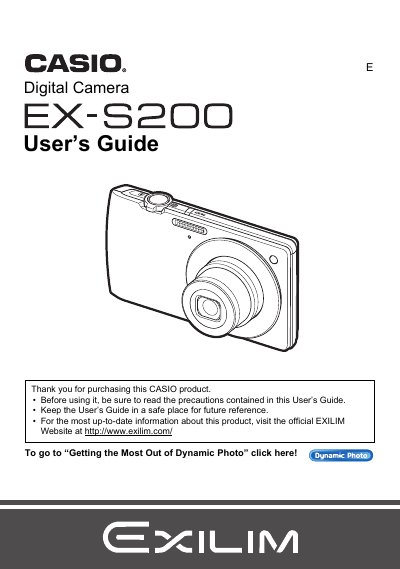
This manual provides comprehensive instructions for operating the Casio EX-S200 digital camera. It covers essential topics such as unpacking, charging the battery, configuring initial settings, and basic snapshot shooting modes including Auto Focus and Face Detection.
The guide also details advanced features like Dynamic Photo technology, movie recording and editing, image effects, printing via PictBridge, and transferring files to computers running Windows or Macintosh.
| Battery Type | Rechargeable lithium ion Digital camera battery (NP-120) |
|---|---|
| Charger Model | BC-120L |
The manual lists a section on preparing and loading a memory card, though specific formats are not detailed in the provided text.
The monitor screen uses high-precision technology that provides a pixel yield in excess of 99.99%.