
This manual introduces the features and characteristics of the CASIO EX-S500 digital camera, including the product's components, usage methods, and precautions.
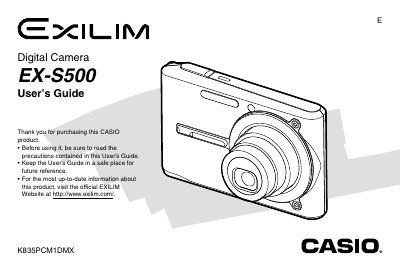
This manual serves as a comprehensive guide for the Casio EX-S500 digital camera. It details how to unpack the device, charge the NP-20 battery, and configure initial settings such as display language and clock time.
The document provides step-by-step instructions for basic image recording using optical and digital zoom, flash assist, and various focus modes including macro and manual focus. It also covers playback features like slideshow creation, image editing on the camera screen, and transferring files to a computer via USB or memory card.
| Dimensions (Camera) | 90(W) x 59(H) x 16.1(D) mm |
|---|---|
| Weight (Camera) | Approximately 115 g (4.1 oz) |
| Battery Type | Rechargeable Lithium ion battery (NP-20) |
| Power Consumption | Approximately 3.2W |
The operating temperature range is from 0°C to 40°C (32°F to 104°F).
The output is 5.3V DC, 650 mA.
Included items are a rechargeable lithium ion battery (NP-20), USB cradle (CA-28), Special AC adaptor, AC power cord, USB cable, AV Cable, Strap, and CD-ROMs.