
This document provides instructions for using CASIO digital cameras and includes precautions to be taken. It also provides a link to the official EXILIM website. Users are advised to read and follow the precautions in the User's Guide to make the most out of the dynamic photo feature.
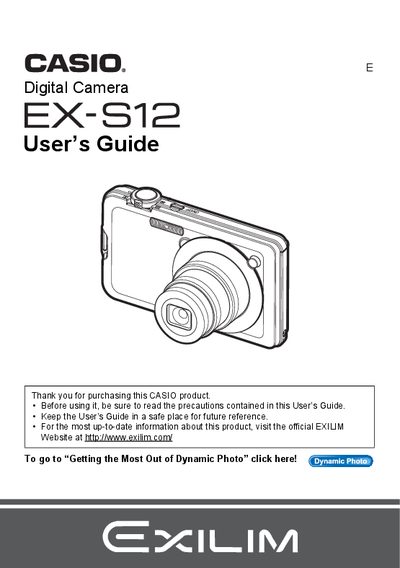
The Casio EX-S12 is a compact digital camera designed for capturing snapshots and recording movies. This manual details how to charge the battery, insert memory cards, and turn the device on and off. It explains basic operations such as taking photos with auto focus, using face detection, and adjusting settings like flash intensity and white balance.
The package includes a rechargeable lithium ion battery (NP-60), a charger unit (BC-60L), a power cord, a strap, a USB cable, an AV cable, a CD-ROM, and a Basic Reference.
The liquid crystal panel provides a pixel yield in excess of 99.99%.
You should shoot a test shot to ensure that the camera is recording correctly.