
This is a user manual for a digital camera, which introduces the camera's features, precautions, and usage methods.
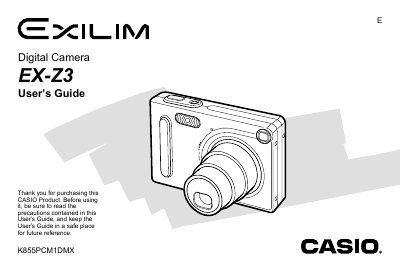
This manual provides instructions for using the Casio EX-Z3 digital camera. It covers essential topics such as charging the NP-20 battery, attaching accessories like the USB cradle and strap, and configuring display settings including language and clock time.
The guide details how to record still images and movies, adjust focus modes (Auto, Macro, Infinity), use the flash unit, and set image size and quality. It also explains playback features such as zooming, resizing, cropping, slideshow creation, and rotating images on the monitor.
| Image Size Options | 2048 x 1536, 1600 x 1200, 1280 x 960, 640 x 480 pixels |
|---|
The camera uses a rechargeable lithium ion battery (NP-20).
Yes, you can rotate the display image using the camera's menu functions.