
This document illustrates how to program and use the unique features of the LTC3220/LTC3220-1 Universal LED (ULED) Driver, including individually controlling, gradually turning on and off, or blinking up to 18 LEDs. This device may also be used to provide digital signal(s) to other devices while in shutdown.
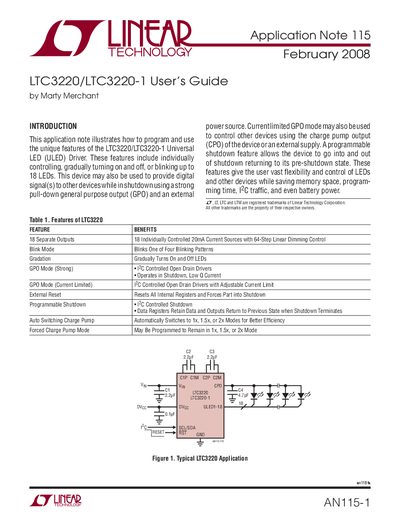
This document is Application Note 115 from Linear Technology, serving as a user's guide for the LTC3220 and LTC3220-1 Universal LED (ULED) Drivers. Published in February 2008 by Marty Merchant, it details how to program the device via I2C to control up to 18 LEDs individually.
The note covers key features such as linear dimming with 64-step control, blink modes with four patterns, and gradual on/off transitions. It also explains the General Purpose Output (GPO) functionality, which can operate in strong pull-down or current-limited modes to drive other devices while the main LED outputs are in shutdown.
| Number of Separate Outputs | 18 |
|---|---|
| Current Source Capability | 20mA Current Sources with 64-Step Linear Dimming Control |
| Input Supply Voltage Range | 2.9V to 5.5V |
| DVcc Supply Voltage Range | 1.5V to 5.5V |
| GPO Current Limit Mode Range | 0.4mA to 20mA in 63 steps |
The only difference between the two devices is the 7-bit I2C address.
The device supports four different blinking patterns.
Enabling shutdown shuts down the part while preserving data in the registers so outputs return to their previous state.