
HP LC3040N 30" HD Ready LCD TV HP LC2640N 26" HD Ready LCD TV User Guide

This is a user's guide for HP LC3040N 30-inch HD Ready LCD TV and HP LC2640N 26-inch HD Ready LCD TV
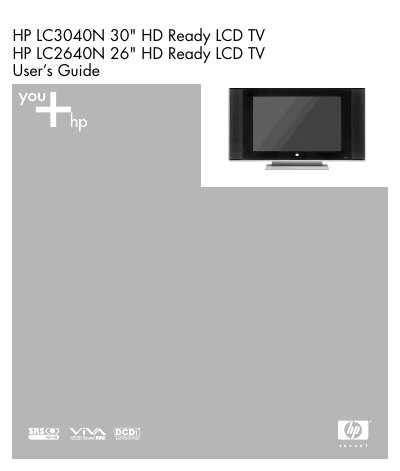

HP LC3040N 30
Brand
HP
Category
Television
Document type
User Manual
Language
Chinese
Pages
59
File format
PDF
File size
4.7 MB
Published
04 June, 2012
Updated
01 October, 2023
MD5 checksum
AE653BAF874C3CE8970793BC53157B28

About this manual

This user guide provides instructions for installing, operating, and maintaining the HP LC3040N 30" HD Ready LCD TV. It includes safety precautions, setup steps, connection guides, and troubleshooting tips. The guide also covers power management, input sources, and remote control programming. Safety warnings are emphasized to prevent injury or damage to the unit. This manual is written in Chinese.

What's inside

  • Safety
  • Cleaning the TV
  • Wall Mounting or Stand Replacement
  • Introduction
  • What’s in the Box
  • Setup
  • Rear Connectors
  • Using the TV
  • Basic Operation
  • Troubleshooting

Frequently asked questions

What is the model of the TV?

HP LC3040N 30" HD Ready LCD TV.

What is the TV’s stated receiving mode setting?

The TV can be set to receive channels in different modes.

What is the TV’s safety warning about voltage?

The TV contains dangerous voltage that may cause electric shock.

Download PDF (4.7 MB)

More HP Manuals


View all HP manuals →