
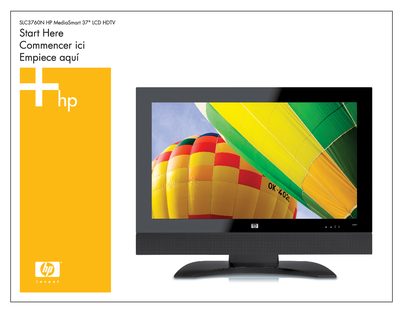
This guide walks you through the initial installation of the HP SLC3760N MediaSmart LCD HDTV. It covers connecting the power cable, video source (component or HDMI), and attaching the antenna or cable, then linking the TV to a wired or wireless home network before installing the MediaSmart software on a Windows PC.
The document also lists the items included in the box, provides safety warnings, and gives instructions for configuring network settings, sharing media from your PC, and using the remote control.
| Screen size | 37 inches |
|---|---|
| Minimum clearance without antennas | 1.4 in (3.5 cm) |
| Minimum clearance with antennas | 5 in (12.7 cm) |
You need a component (YPbPr) cable or an HDMI cable to receive high‑definition content from a set‑top box.
You must know the network name (SSID) and the security password (WEP or WPA key).
Call the toll‑free number 1‑800‑474‑6836 for service and technical assistance.