
This manual introduces the features and usage methods of HP high-definition LCD television LC3700N, LC3200N and LC2600N.
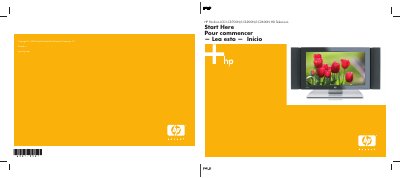
The HP Pavilion LC3700N/LC3200N/LC2600N is a high‑definition LCD television that delivers bright, clear images with up to 800:1 contrast ratio and fast 12 ms response to reduce motion blur. It features photorealistic sharpness enhancement and a 3D color enrichment system for vivid detail and color.
The guide includes a “What’s in the Box” list, ventilation requirements, power‑on instructions, and connection diagrams for audio, video, HDMI, and antenna inputs, as well as remote‑control operation. Follow the safety instructions and secure the power cord with the built‑in clamp before setup.
| Contrast ratio | 800:1 |
|---|---|
| Response time | 12 ms |
| Speaker size | 37" |
| Ventilation clearance | 1.4 in (3.5 cm) min |
The power button is located at the top right‑hand corner of the display.
Secure the power cord through the built‑in clamp before connecting the TV.
Maintain at least 1.4 in (3.5 cm) clearance around the TV for proper ventilation.