
This manual describes how to use the HP SL4782N 47-Inch and HP SL4282N 42-Inch MediaSmart 1080p LCD High-Definition Televisions.
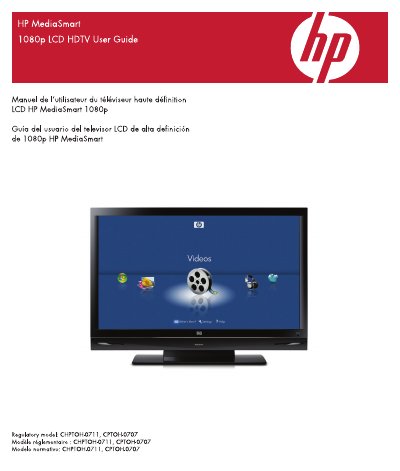
This user guide provides safety instructions and operational guidance for HP MediaSmart 1080p LCD HDTVs, including models CHPTOH-0711 and CPTOH-0707. It covers important safety precautions, installation guidelines, and usage tips to prevent damage or injury. The guide also includes regulatory compliance information and FCC/IC statements for proper operation.
The document includes warnings about electrical hazards, proper ventilation, and safe handling of the device. It advises users to follow manufacturer instructions for installation and to avoid exposing the TV to moisture or water. Safety symbols and cautions are used throughout to highlight critical information.
The equipment should be operated with a minimum distance of 20 cm between the radiator and your body.
You should clean the product only with a soft cloth, dampening it with water if needed.
Do not install the TV near heat sources such as radiators, heat registers, stoves, or amplifiers.