
This manual provides warranty and support information for the HP LC3040N 30-inch HD Ready LCD TV and the HP LC2640N 26-inch HD Ready LCD TV.
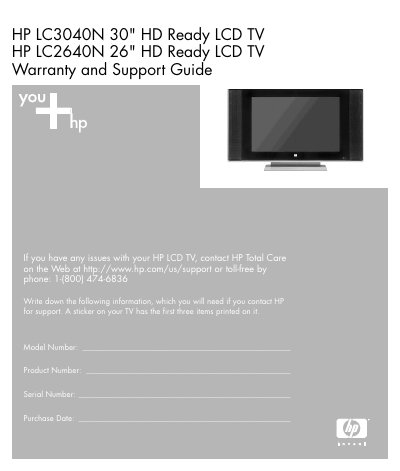
This guide explains how to register your HP LCD TV, access HP Total Care support, and obtain updates via the HP Newsgram. It lists phone, web, and email support options, and describes the warranty process, including in‑home service, advanced unit replacement, and customer self‑repair.
The document also details the pixel policy, installation recommendations, regulatory and safety warnings, and the terms of the limited hardware warranty, including coverage period, liability limits, and exclusions.
| Screen Size (LC3040N) | 30" |
|---|---|
| Screen Size (LC2640N) | 26" |
| Limited Warranty Period | 1 year |
Visit http://register.hp.com to complete a quick online registration.
HP will replace the TV if it has any bright pixel or six or more dark pixels.
The hardware limited warranty lasts for one year from the date of purchase.