
ViewSonic PJL3211 XGA LCD Projector User Guide, introduces the features and characteristics of the product.
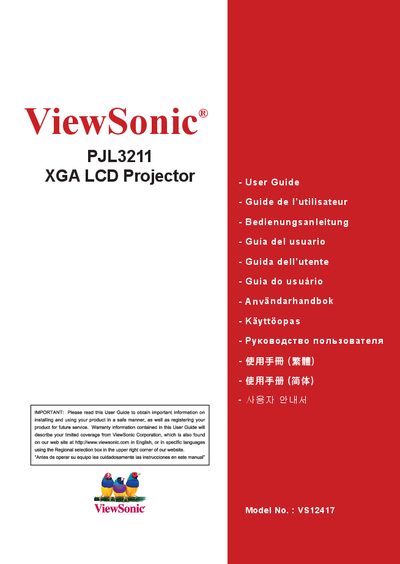
This manual covers safety precautions, unpacking, and installation of the ViewSonic PJL3211 XGA LCD projector. It explains how to connect power, video sources, and accessories, and describes the remote control and menu functions.
Detailed sections guide users through lens‑cover fastening, filter‑cover replacement for bottom‑up installations, menu navigation, maintenance, troubleshooting, and technical specifications such as resolution and lamp information.
| Resolution | XGA |
|---|---|
| Model Number | VS12417 |
| Lamp Content | Contains mercury |
Register the product on the ViewSonic website at www.viewsonic.com or use the ViewSonic Wizard CD‑ROM to print the registration form.
No, the manual warns not to use the unit near water.
Remove the existing filter cover and install the enclosed filter cover designed for bottom‑up installation, following the instructions in the “Air filter” section.
Try reorienting or relocating the receiving antenna, increase separation between equipment and receiver, or connect the projector to a different circuit.