
The E771 monitor is a 17-inch monitor launched by ViewSonic for SOHO users and students. It uses a 0.27mm dot pitch to provide clear and sharp images and supports a maximum display resolution of 1280x1024. It also has an OnView control function that allows users to make simple screen adjustments via an on-screen menu.
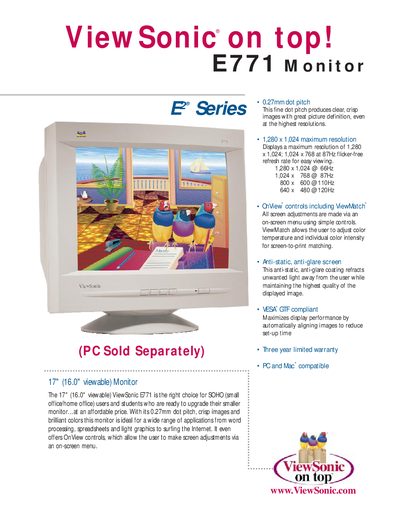
This manual introduces the ViewSonic E771 17" (16.0" viewable) monitor, highlighting its 0.27 mm dot pitch, on‑screen menu controls, and anti‑glare screen. It covers basic operation, PC and Mac compatibility, and energy‑saving features such as Plug & Play and Power Management.
Detailed specifications are listed, including maximum resolution, power requirements, dimensions, and warranty information. The document also explains user controls, input signals, and connectivity options for easy installation and adjustment.
| Screen size | 17" (16.0" viewable) |
|---|---|
| Dot pitch | 0.27 mm |
| Maximum resolution | 1280 × 1024 |
| Power input | AC 90‑132 V / 198‑264 V (auto switch) |
| Dimensions (W × H × D) | 447.2 mm × 425.4 mm × 427.0 mm |
| Weight | 16.5 kg (36.4 lb) |
| Warranty | Three‑year limited warranty |
The monitor supports a maximum resolution of 1280 × 1024 pixels.
It comes with a three‑year limited warranty covering the CRT, parts, and labor.
The monitor uses a 3‑pin IEC320 power plug.
It accepts a Video RGB analog signal (0.7 Vp‑p, 75 Ω).