
ViewSonic® PJ862 is a portable LCD projector that complies with the limits for a Class B digital device according to part 15 of the FCC Rules. It is designed to provide reasonable protection against harmful interference in a residential installation. The equipment generates and radiates radio frequency energy, and if not installed and used in accordance with the instructions, may cause harmful interference to radio communications. The user is encouraged to try to correct the interference by reorienting or relocating the receiving antenna, increasing the separation between the equipment and receiver, connecting the equipment into a different circuit, or consulting the dealer or an experienced radio/TV technician.
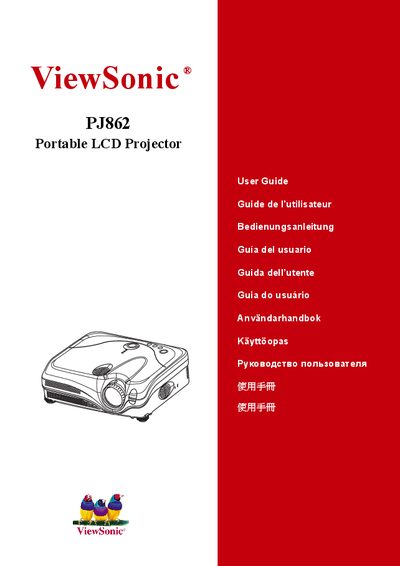
This manual begins with compliance and safety information, including FCC, CE, and Canadian regulations, followed by detailed safety instructions for handling, installation, and power connections. It also lists the contents of the package and explains how to secure the lens cap and identify the projector's parts.
Later sections cover the projector’s features, remote control functions, menu navigation, screen adjustments, maintenance tasks such as lamp and filter care, troubleshooting tips, and warranty/service procedures. The document ends with specifications, customer support contacts, and legal notices.
| Lamp Power | 230W UHB (Ultra High Brightness) |
|---|---|
| Model Number | VS10461 |
| Noise Reduction Mode | WHISPER mode reduces acoustic noise |
Push the Restart switch with a cocktail stick, then let the projector cool for at least 10 minutes before turning it on again.