
This manual introduces the basic functions and use of Pocket PC V36.
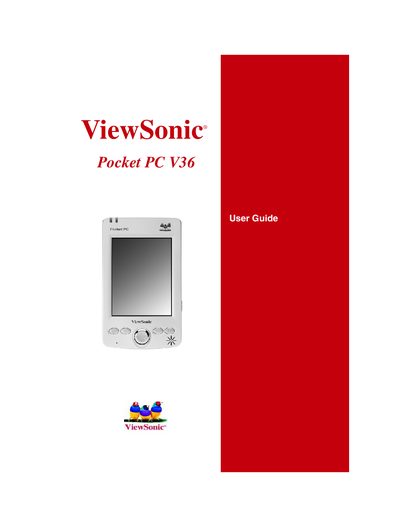
This manual introduces the ViewSonic Pocket PC V36, a Windows‑based handheld computer. It lists the package contents, describes the hardware components—including the LCD screen, stylus, lithium‑ion battery, AC adapter, and USB cradle—and explains basic functions such as using the integrated digital camera and navigating the interface.
The guide also covers software usage (Pocket Word, Excel, Outlook, Internet Explorer, and media players), connectivity options (USB and infrared), data management, backup procedures, and troubleshooting steps like warm‑boot resets and restoring factory defaults. Appendices provide safety information, warranty details, and specifications.
| Battery type | Lithium‑ion |
|---|---|
| Power adapter | AC |
| USB cable | Synchronization cable |
| SD card | Dummy card (inside the slot) |
You can reset the V36 with a warm boot as described in the Troubleshooting section.
Back up all data and remove any third‑party software, hardware, or accessories, as the service process may erase the contents.