
The document describes the features and characteristics of the PJD6241 projector, including BrilliantColor™ technology, closed captioning function, DLP™ technology, Eco-mode for extended lamp life, network control through RJ-45, and the Off-to-Go feature. The projector is lightweight, portable, supports 120Hz frame rates, and is suitable for 3D business, education, or gaming applications.
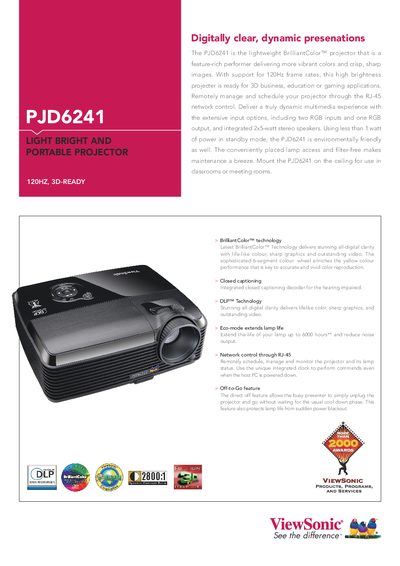
The PJD6241 is a lightweight BrilliantColor™ projector offering vivid colors, 120 Hz frame‑rate support, and built‑in 2 × 5 W stereo speakers. It includes multiple input options (two RGB, one RGB output, composite, S‑Video, HDMI) and can be managed remotely via RJ‑45 network control.
The manual covers installation, basic operation, network scheduling, lamp maintenance, and detailed technical specifications such as resolution, brightness, lamp life, power consumption, and environmental operating limits.
| Speakers | 2 × 5 W stereo speakers |
|---|
Use the RJ‑45 network control to schedule, manage, and monitor the projector and its lamp status.
It includes two 5‑watt stereo speakers.