
This is a user manual for Cisco Small Business SPA 500 Series IP Phones
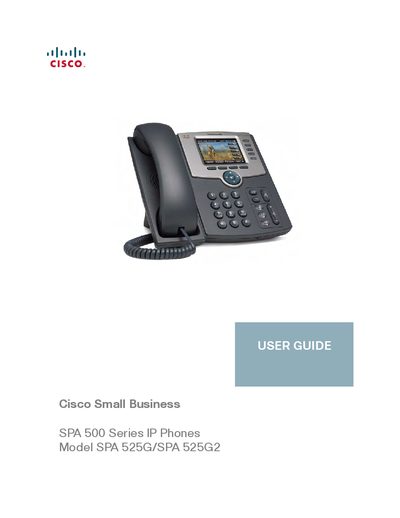
This guide provides step‑by‑step instructions for setting up and using the Cisco SPA 525G/525G2 IP phone. It includes chapters on getting started, hardware installation, basic phone functions, advanced features such as Bluetooth pairing and call handling, and using the web interface for configuration.
The document also lists regulatory statements, power requirements, and where to obtain firmware updates, support, and additional resources from Cisco Small Business.
| Power Supply | +5 V DC, 2 A minimum |
|---|---|
| Regulatory Class | Class 2 (Limited Power Source) |
You can reorient or relocate the receiving antenna, increase separation between the phone and the receiver, plug the phone into a different circuit, or consult a qualified technician.
Firmware updates are available from the Cisco Small Business Firmware Downloads page (www.cisco.com/go/smallbizfirmware).
Enable Bluetooth on the phone, initiate pairing from the SPA 525G2 or from the Bluetooth‑enabled mobile phone, and follow the on‑screen prompts to complete the pairing.