
This guide introduces how to use Cisco Unified Communications System phones.
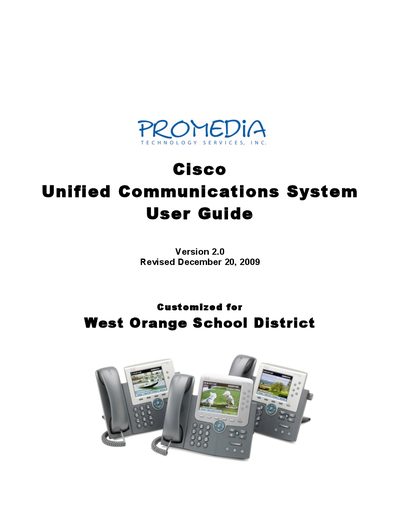
The guide provides an overview of Cisco IP phones used in the West Orange School District, including the 7942, 7962, and 7911 series. It describes the layout of the phones, button functions, and how to navigate the user interface.
It also covers call management concepts such as lines versus calls, call icons, answering, placing, transferring, holding, parking, and conference calls. Detailed instructions for accessing voicemail from various devices and using Unity Connection are included, along with additional resources for deeper configuration details.
| 7975G line capacity | 8 lines |
|---|---|
| 7962G line capacity | 6 lines |
| 7942G line capacity | 2 lines |
| Default calls per line | 4 calls per line |
| Busy trigger | 2 calls |
Press the Messages button or softkey, then follow the prompts to log in and listen to messages.
A Cisco 7962G phone supports six lines.
A line can handle up to four calls, with a busy trigger after two simultaneous calls.