
This user guide introduces the features and characteristics of Cisco Small Business Pro SPA 500 Series IP phones models 501G, 502G, 504G, 508G, and 509G
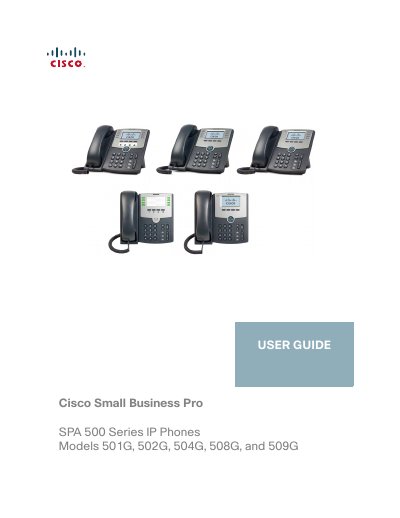
The Cisco Small Business Pro SPA 500 Series IP phones are full‑feature VoIP devices with an 128 × 64 monochrome LCD, eight lines, and Ethernet connectivity. They can be powered via Power over Ethernet or an optional PA‑100 adapter and support handset, headset, and speaker operation.
The guide walks you through hardware setup, wiring, and mounting, then explains basic phone functions such as dialing, call handling, and speed‑dial configuration. Advanced chapters cover privacy settings, web interface usage, and the optional SPA 500S attendant console, with links to additional Cisco documentation.
| Display | 128 × 64 monochrome LCD with backlight |
|---|---|
| Lines | 8 |
| Softkeys | 4 fixed (redial, cancel, conference, transfer) + 4 dynamic |
| Navigation Button | None |
| Power Options | Power over Ethernet (PoE) or optional PA‑100 adapter |
It can be powered via Power over Ethernet (PoE) or with an optional PA‑100 power adapter.
The phone supports eight lines.
It has a 128 × 64 monochrome LCD with backlight.