
The Cisco Small Business SPA 300 Series IP Phones are Cisco's economical, feature-rich and easy-to-manage IP phones for small businesses. The SPA 300 Series IP Phones provide 2-line 3-way voice, HD audio, wireless connectivity and easy-to-manage features to meet the communication needs of small businesses.
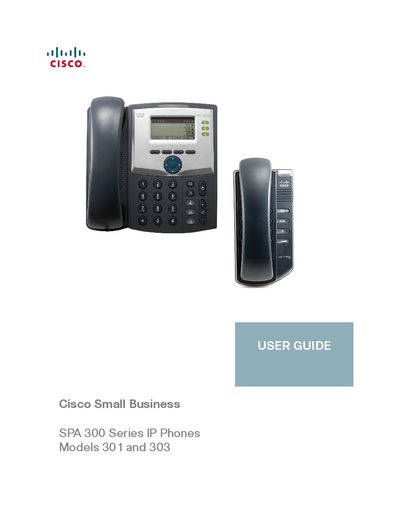
This guide provides step‑by‑step instructions for setting up and using the Cisco Small Business SPA 300 Series IP phones, including models SPA 301 and SPA 303. It covers hardware connections, power, network setup, and optional wireless configuration.
The manual also details basic phone functions, advanced features such as privacy settings, speed dials, paging, and how to use the web interface for configuration, screen contrast, and screen‑saver options. Appendices point to additional resources and firmware downloads.
| Screen | 128 x 64 monochrome LCD |
|---|---|
| Lines | 13 |
| Softkeys | None (4 dynamic navigation buttons) |
Log in to the web interface, open the Voice tab, select the User tab, enter a number between 1 and 10 under LCD, and click Submit All Changes.
Visit the Cisco Small Business Firmware Downloads page at www.cisco.com/go/smallbizfirmware to select and download the appropriate firmware.