
Cisco SPA 30X IP Phone User Guide

This guide introduces the features and capabilities of the Cisco Small Business IP Phone SPA 30X series. The guide provides instructions on how to connect, use, and upgrade the Cisco Small Business IP Phone SPA 30X series.
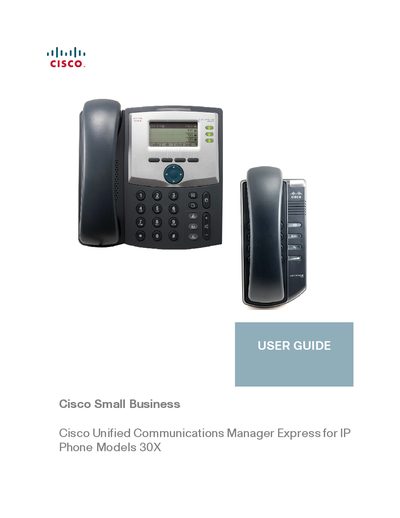

Cisco SPA 30X IP Phone User Guide - cover page
Brand
Cisco
Category
Other Electronics
Document type
User Manual
Language
English
Pages
53
File format
PDF
File size
2.6 MB
Published
04 July, 2012
Updated
30 September, 2023
MD5 checksum
5E19B0B6E3C4E70EA48B8B1F8F27389B

About this manual

This document serves as the user guide for Cisco Small Business IP Phone models SPA 301 and SPA 303. It provides instructions on getting started with the device, including an overview of the hardware and accessories. The guide details how to install the phone, connect the handset and power, and link the device to the network.

What's inside

  • About This Document
  • Overview of the Cisco Small Business IP Phones
  • Getting to Know the Cisco SPA 301
  • Getting to Know the Cisco SPA 303
  • Installing Your Phone
  • Using Basic Phone Functions
  • Using Advanced Phone Features
  • Advanced Procedures for Technical Support Personnel

Frequently asked questions

What type of communication do these phones provide?

The phones provide voice communication over an IP network.

What power source is required for the phone?

The phone requires a separate power source, and the adapter is included.

How is the phone network managed in the described system?

The network is managed by equipment such as the Cisco Unified Communications 500 Series.

Download PDF (2.6 MB)

More Cisco Manuals


View all Cisco manuals →