
This manual introduces the functions and features of TOSHIBA NET PHONE and how to use it.
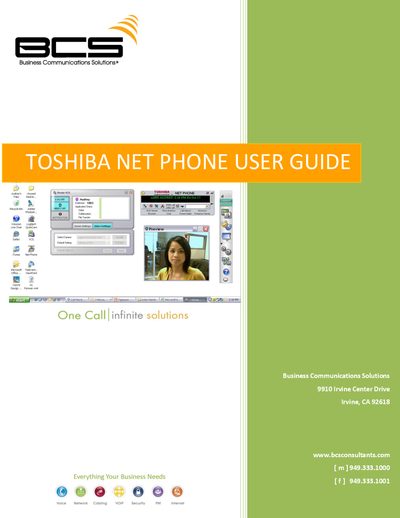
This guide provides detailed instructions for using the Toshiba Net Phone application, covering the main screen layout, call handling windows, and the various programmable buttons. It describes how to manage calls, view call information, and customize the interface with skins and docking options.
Additional sections explain how to configure user programmable keys, set up speed dial, ACD, DSS, and web keys, and use the record function. The document also includes information on skin selection, docking preferences, and troubleshooting tips for the Net Phone software.
Right‑click the logo on the main window and choose a skin from the Phone Colors menu or open the Skin Designer to create a new one.
Enable Screen Docking in the Setup Preferences; the Net Phone will automatically dock to the top or bottom when moved there.
Click the Record button to select “Start Recording”; click it again to terminate the recording.