
S1D2514X01 is a video amplifier and OSD processor 1 chip system with I2C Bus control used in monitors. It contains 3 matched R/G/B video amplifiers with OSD processor and provides flexible interfacing to I2C Bus controlled adjustment systems.
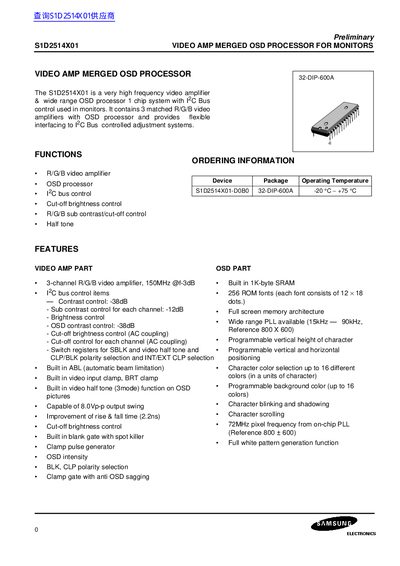
The S1D2514X01 is a high‑frequency video amplifier and OSD processor integrated in a single chip for monitor applications. It provides three matched R/G/B video amplifiers, OSD processing, and a 1°C‑bus control interface for adjustment systems.
The document includes functional block diagrams, pin configurations, absolute maximum ratings, thermal and ESD parameters, and ROM font information, giving designers detailed specifications for integration and design.
| Video amplifier bandwidth | 150 MHz @‑3 dB |
|---|---|
| Contrast control range | -38 dB |
| Sub‑contrast control per channel | -12 dB |
| Operating temperature range | -20 °C to +75 °C |
| Supply voltage (digital part) | +5 V |
| Supply voltage (video amp part) | +12 V |
| Output swing | 8.0 V p‑p |
| Pixel frequency from on‑chip PLL | 72 MHz |
The device operates from –20 °C to +75 °C.
The processor can drive up to 8.0 V peak‑to‑peak output swing.
Each of the three R/G/B video amplifiers has a bandwidth of 150 MHz at –3 dB.
Contrast control can be set to –38 dB.