
This is the user manual of NEC VT580/VT480/VT58/VT48, which introduces the features and characteristics of the product.
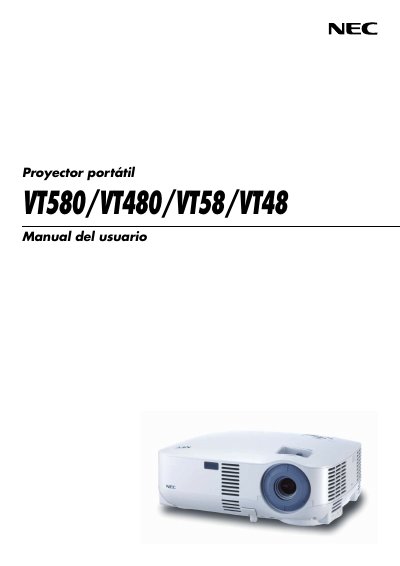
This manual provides safety warnings, installation guidelines, connection options and basic operation steps for the NEC VT580, VT480, VT58 and VT48 portable projectors. It also covers remote‑control handling, lamp replacement, and troubleshooting procedures.
Additional sections describe convenient functions, on‑screen menu navigation, routine maintenance, and the TravelCare service program for repair and loan options. This manual is written in Spanish.
| Input voltage | 100‑240 V AC, 50/60 Hz |
|---|---|
| Lamp type | High‑pressure mercury lamp |
The projector must be powered from a 100‑240 V AC source at 50 or 60 Hz.
Replace the lamp when the message “lamp has reached end of its life” appears, following the instructions on page 51 and avoiding contact with the glass.
No, ceiling installation must be performed by qualified NEC service technicians.