
This manual introduces the basic use of NEC VT670/VT570/VT470/VT47 projector, including connecting power, installing projector, setting projector, and using remote control.
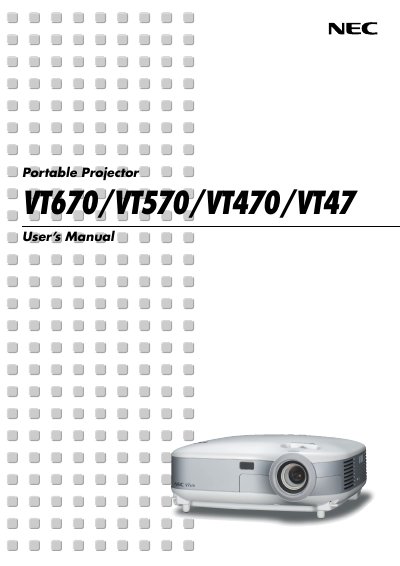
This manual explains important safety precautions, proper installation, and connection methods for the NEC VT670/VT570/VT470/VT47 portable projectors. It covers recommended operating environments, ventilation clearances, and handling of the lamp and power supply.
The guide also details menu functions, image adjustment, troubleshooting tips, and the optional TravelCare service program, helping users maintain optimal performance and obtain support when needed. This manual is written in French.
| Power Supply | 100‑240 V AC 50/60 Hz |
|---|---|
| Minimum Ventilation Clearance | 4 inches (10 cm) |
Remove the mains plug; the plug must be accessible and installed as close as possible to the device.
No. The internal components are high‑voltage and must only be serviced by authorized NEC repair personnel.
Replace the lamp following the instructions on page 53, wait 30 seconds after power‑off, unplug, and let the projector cool for 60 minutes before replacement.
Leave at least 4 inches (10 cm) of clearance between the projector and the wall.