
This document is the user manual for NEC VT695/VT595/VT590/VT491/VT59/VT49 portable projector, which introduces the product's features and characteristics and usage methods.
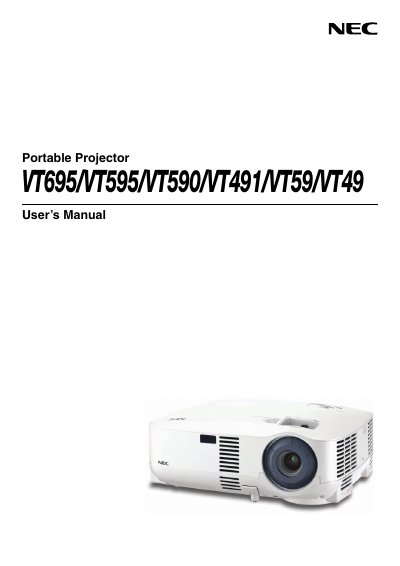
This manual covers the NEC VT695/VT595/VT590/VT491/VT59/VT49 series of portable projectors. It begins with important safety cautions, handling instructions, and preparation steps to ensure safe operation and to prevent damage or injury. Installation guidance includes proper placement, power requirements, and optional ceiling‑mount procedures performed by qualified technicians.
The guide then details basic operation such as turning the unit on, selecting sources, adjusting picture size and keystone correction, and using convenient features like remote control and menu navigation. Maintenance topics cover filter cleaning, lamp replacement, and troubleshooting, while the appendix provides full technical specifications and connector pin assignments.
| Model Number | VT695/VT595/VT590/VT491/VT59/VT49 |
|---|---|
| Optical LCD Panel | 0.63" p‑Si TFT active‑matrix with Micro Lens Array (VT695) |
| Resolution | 1024 × 768 native, up to UXGA (VT695/VT595/VT590/VT59) |
| Lamp Power | 200 W DC lamp (150 W Eco mode) – VT695 |
| Lens | Manual zoom and manual focus, F1.7‑2.0, f=18.9‑22.7 mm (VT695/VT595/VT590/VT491/VT59) |
Replace the lamp when the projector displays the message indicating the lamp has reached the end of its usable life; follow the detailed instructions on page 52 of the manual.
Do not open the cabinet, keep the unit away from moisture, ensure proper ventilation, and disconnect power before cleaning, moving, or servicing the projector.
No – ceiling installation must be performed by qualified technicians to ensure safety and proper operation.
Avoid displaying stationary images for long periods; the manual warns that prolonged static images can cause temporary image retention.